

What you get
Click “Open in Dana” on any meeting in Google Calendar to see:- Who you’re meeting: attendee profiles and background
- What you last discussed: recent interactions and context
- Talking points: suggested topics based on your history
- Key context: everything Dana pulled from your email, calendar, LinkedIn, notes, and connected integrations
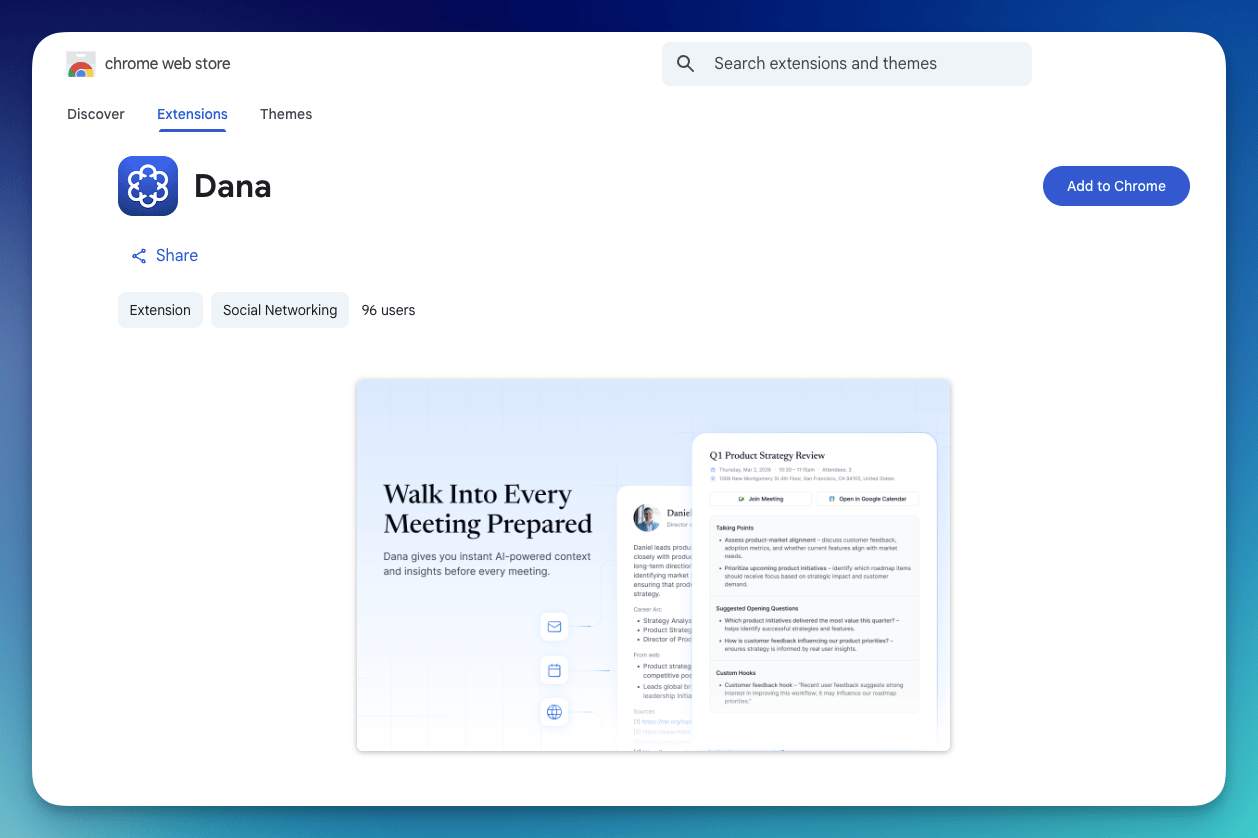
Dana Chrome Extension
Install the extension
1
Open the Chrome Web Store
Go to the Dana extension page.
2
Click Add to Chrome
Click Add to Chrome and confirm the installation.
3
You're done
The extension syncs with your existing Dana account automatically. Open any meeting in Google Calendar and you’ll see the “Open in Dana” button.
Requirements
- Google Chrome browser
- An active Dana account with a connected calendar
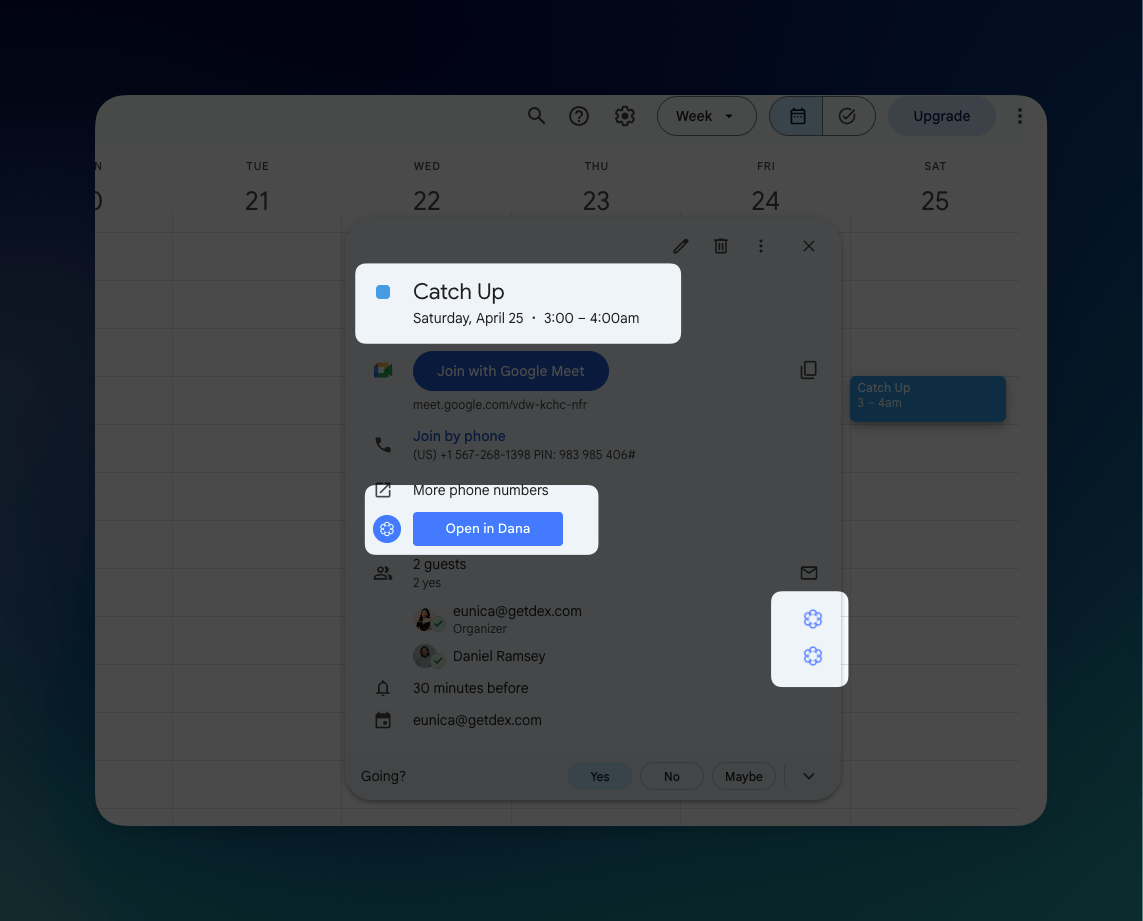
Once the extension is installed, you can access Dana within your calendar.
The extension currently works with Google Calendar. Outlook calendar support via the extension is not yet available.
Troubleshooting
I don't see 'Open in Dana' in Google Calendar
I don't see 'Open in Dana' in Google Calendar
Make sure the extension is installed and enabled. Check your Chrome extensions by going to chrome://extensions and confirming Dana is toggled on. Try refreshing your Google Calendar tab.
The extension isn't syncing with my account
The extension isn't syncing with my account
Make sure you’re logged into Dana in the same browser. The extension syncs automatically — no manual setup needed.