

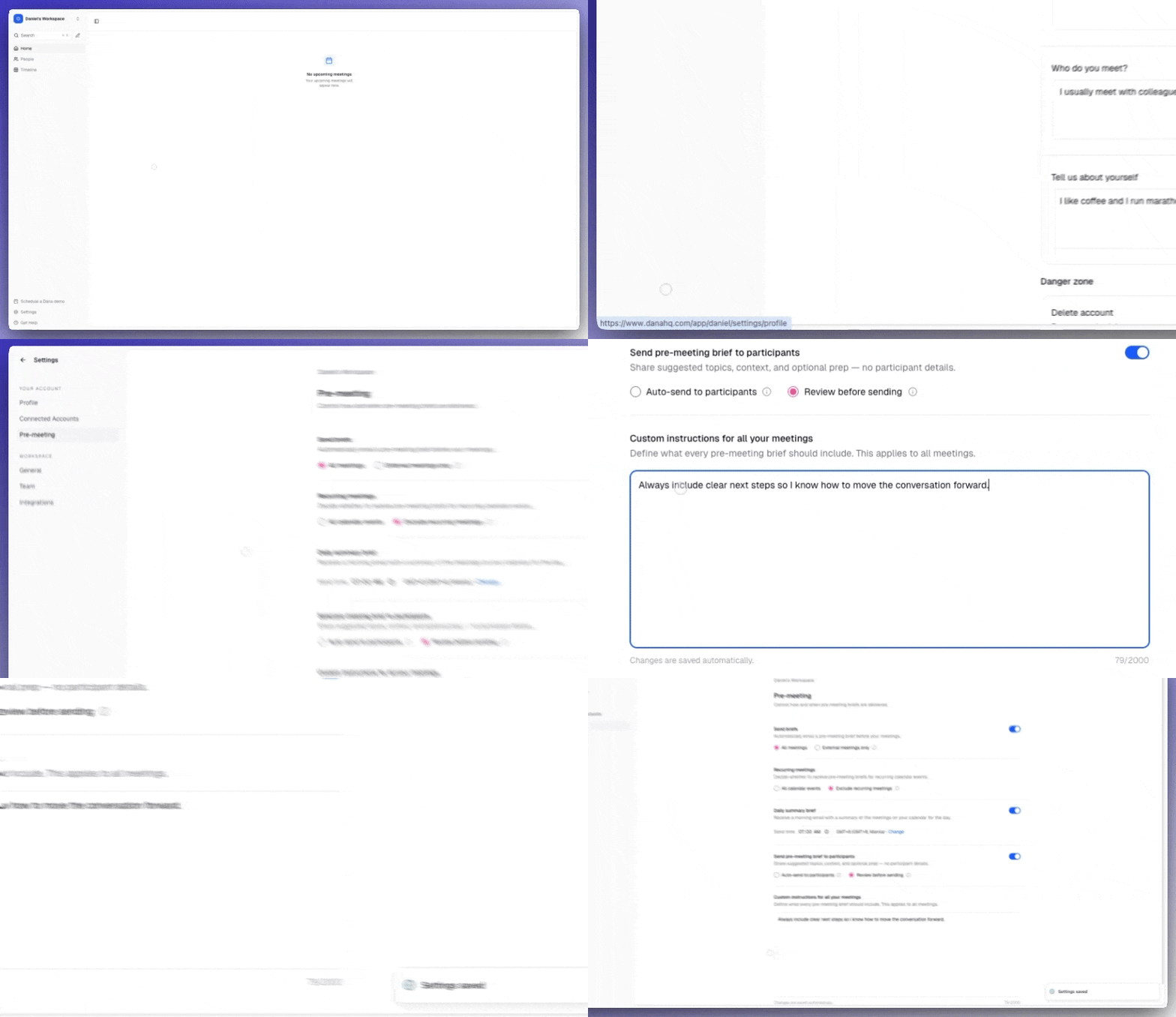
Setting custom instructions
1
Open settings
Go to Settings → Brief Settings.
2
Add your instructions
Scroll to Custom Instructions and type in your preferences (up to 2,000 characters). Changes are saved automatically.
3
Test on an existing brief
Hit Regenerate on any existing brief to see the change instantly.
4
Done
Every future brief will follow your preferences automatically.
Examples of useful instructions
For format and length:- “Keep briefs under 200 words.”
- “Use bullet points instead of paragraphs.”
- “Start every brief with a one-sentence TL;DR.”
- “Always highlight the company’s funding stage and most recent funding round.”
- “Surface the deal stage and last touchpoint at the top.”
- “Include any open objections or concerns from past calls.”
- “Lead with the most recent email exchange with this contact.”
- “Always include the most recent Dex note and any active reminders.”
- “Highlight personal details — kids, hobbies, recent life events — if mentioned in past notes.”
Tip: combine with integrations
Custom instructions work even better when paired with connected sources. If you’ve connected Dex, Slack, or Notion, tell Dana which sources to prioritize:“Prioritize Notion prep docs and Dex notes over generic LinkedIn data.”As you connect more integrations, your custom instructions will automatically apply to those new sources too.