

Current status
LinkedIn is not yet available as a connected account integration. However, Dana already uses LinkedIn data in two ways:During onboarding
When you set up your Dana account, Dana uses your LinkedIn profile to learn about you — your role, company, industry, and professional context. This helps Dana personalize your briefs from the start.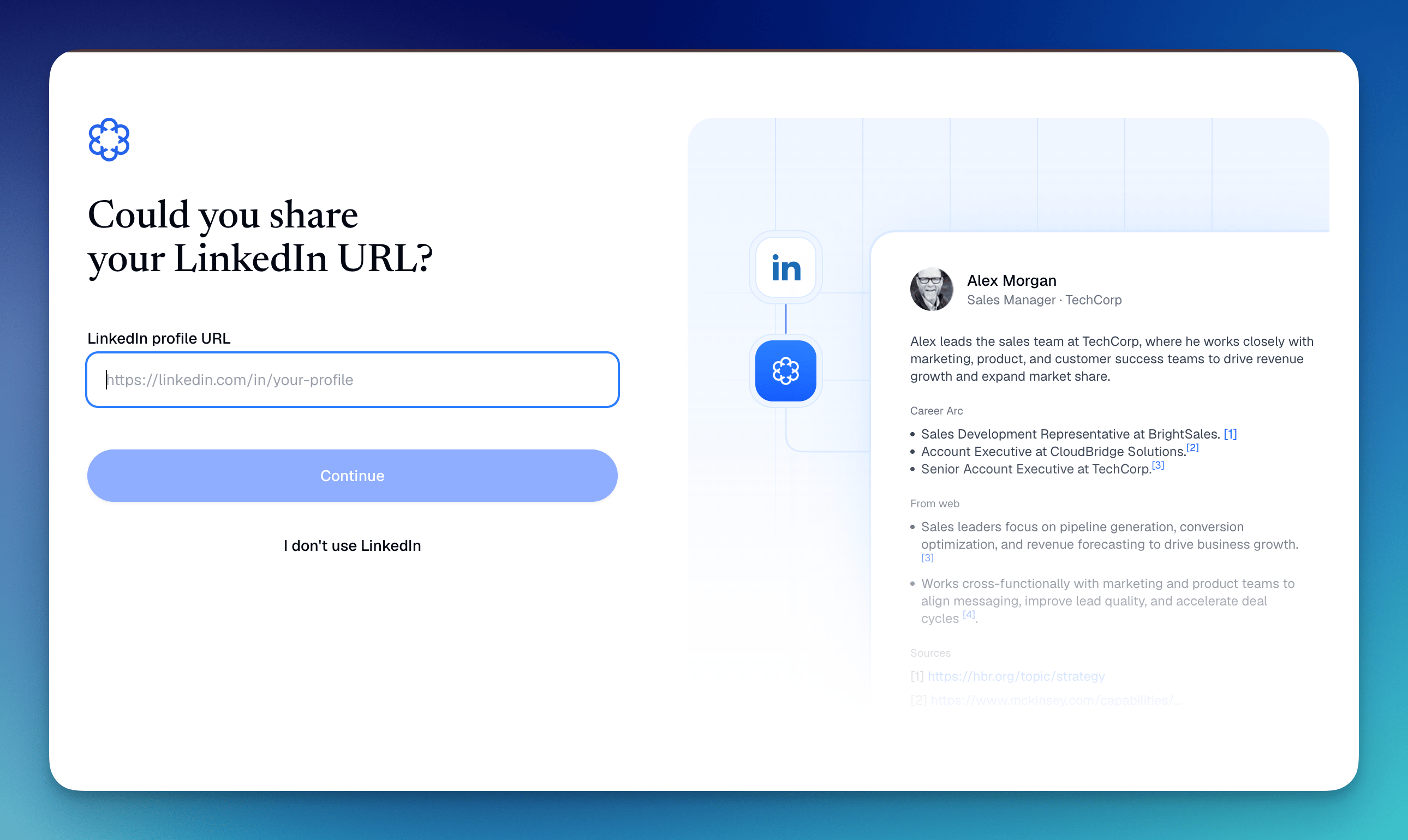
In meeting briefs
Dana surfaces LinkedIn data for your meeting attendees as part of brief generation, including:- Current role and company: what they do and where they work
- Career background: past roles and experience
- Professional context: relevant details that help you walk in informed